Hell is Us PC Controls
Default keyboard and mouse bindings — plus remapping advice for glyph-heavy loadouts.
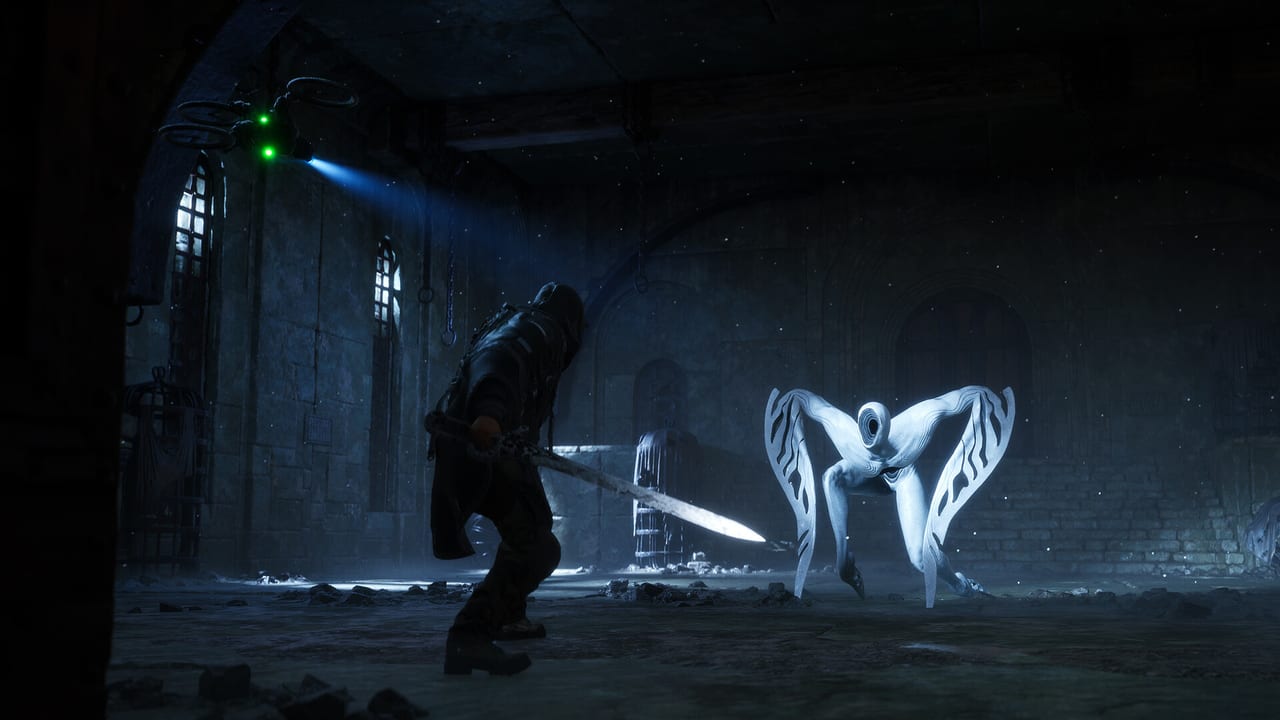
Hell is Us on PC supports keyboard and mouse plus Xbox and PlayStation controllers through Steam Input. Default binds favor FPS-adjacent layouts: left mouse for attacks, shift for sprint and charge attacks, number row for glyphs. Because combat, drone modules, and relics overlap on similar keys, spend time in Settings → Controls before Auriga Timeloops — remapping early prevents bad habits that reviews describe as stiff combat feel.
Open the pause menu (Escape) and select Controls to view or rebind every action. The game warns against overlapping binds; glyph keys 1–3 and drone keys 1–4 both use the number row but activate under different modifiers (no modifier vs right mouse hold).
Movement and camera
| Action | Default key |
|---|---|
| Move | W, A, S, D |
| Look | Mouse |
| Sprint | Shift (hold) |
| Sidestep / dodge | Spacebar |
| Lock on | Mouse scroll button |
| Change lock target | Mouse scroll |
Sprint and charge attack both use Shift — tap for sprint, hold while clicking for heavy attacks. Sidestep on Space is your primary i-frame tool until Surge Step drone module unlocks; see drone modules for upgrade timing.
Combat basics
| Action | Default key |
|---|---|
| Quick attack | Left mouse button |
| Charge attack | Shift + left mouse |
| Guard | Alt (hold) |
| Sheathe / draw | T |
| Switch weapon | R |
| Healing Pulse | X |
Healing Pulse triggers after successful attack chains when white particles form a ring around Ren. PC players often remap Pulse to a mouse side button for faster access — critical on Balanced difficulty where stamina max shrinks with missing health.
Lymbic abilities (glyphs and relic)
| Action | Default key |
|---|---|
| Glyph 1 | 1 |
| Glyph 2 | 2 |
| Glyph 3 | 3 |
| Active relic | 4 |
Glyphs require Grade 2+ weapons and spend Lymbic energy. The active relic fires regardless of equipped weapon. Pair key 4 with a thumb key if you frequently swap between polearm and twin axes setups from best loadouts.
Drone controls
| Action | Default key |
|---|---|
| Drone modifier (hold) | Right mouse button |
| Module 1 | 1 (while holding RMB) |
| Module 2 | 2 (while holding RMB) |
| Module 3 | 3 (while holding RMB) |
| Module 4 | 4 (while holding RMB) |
| Drone light | H |
| Dock drone | T (shared with sheathe — context sensitive) |
Hold right mouse before pressing number keys for modules. Distract on RMB + 1 should become muscle memory by the first Acasa Marshes Timeloop.
Items and UI
| Action | Default key |
|---|---|
| Interact | E |
| Use item | D-pad equivalent via keys (see in-game UI) |
| Previous item | F |
| Next item | G |
| Compass / usable wheel | Q |
| Open Datapad | Tab |
| Show HUD | F1 |
| Pause menu | Escape |
| Photo Mode | F7 |
Post-launch patches added remappable interact actions — verify E still matches climb, loot, and Investigation prompts after updates on patch news. Compass on Q is mandatory for no-map navigation praised and criticized in launch reviews.
Controller on PC
Many PC players use a DualSense or Xbox pad. Layout mirrors console controls: L2 for Lymbic modifier, R2 for drone. Steam Input allows gyro off and deadzone tuning. UE5 performance varies by GPU — confirm specs on system requirements before maxing settings.
Recommended remapping tips
Move Healing Pulse to mouse button 4 or 5 if X feels awkward during combos. Separate dock and sheathe if T conflicts cause accidental drone dismissals in stealth sections. Keep glyph 1–3 on the number row — moving them to numpad slows mid-fight reactions. Do not stack interact on E with modded keyboards that remap E to macro keys without testing in Lenient mode first.
Difficulty and accessibility
Switch among Lenient, Balanced, and Merciless in settings anytime. PC ultrawide users should enable appropriate FOV if available after patches. Photo Mode (F7) pauses combat for screenshots without affecting achievements in single-player runs.
Related pages
Compare PlayStation and Xbox layouts on console controls. Build glyph-heavy loadouts using the Build Hub after mastering inputs.
Frequently Asked Questions
Quick answers about Hell is Us progression, combat, and exploration.
Can I use a controller on PC?
Yes. PlayStation and Xbox controllers work through Steam Input with the same L2/R2 modifier scheme as consoles.
How do I remap keys in Hell is Us?
Pause menu, Controls, select the action, press the new key. Avoid binding two combat actions to the same key.
Why do glyphs and drone modules both use number keys?
Drone modules require holding right mouse while pressing 1–4. Glyphs use 1–3 without that modifier.
What key opens the Datapad?
Tab by default. The Datapad stores Investigations, loadout editing, and lore entries.